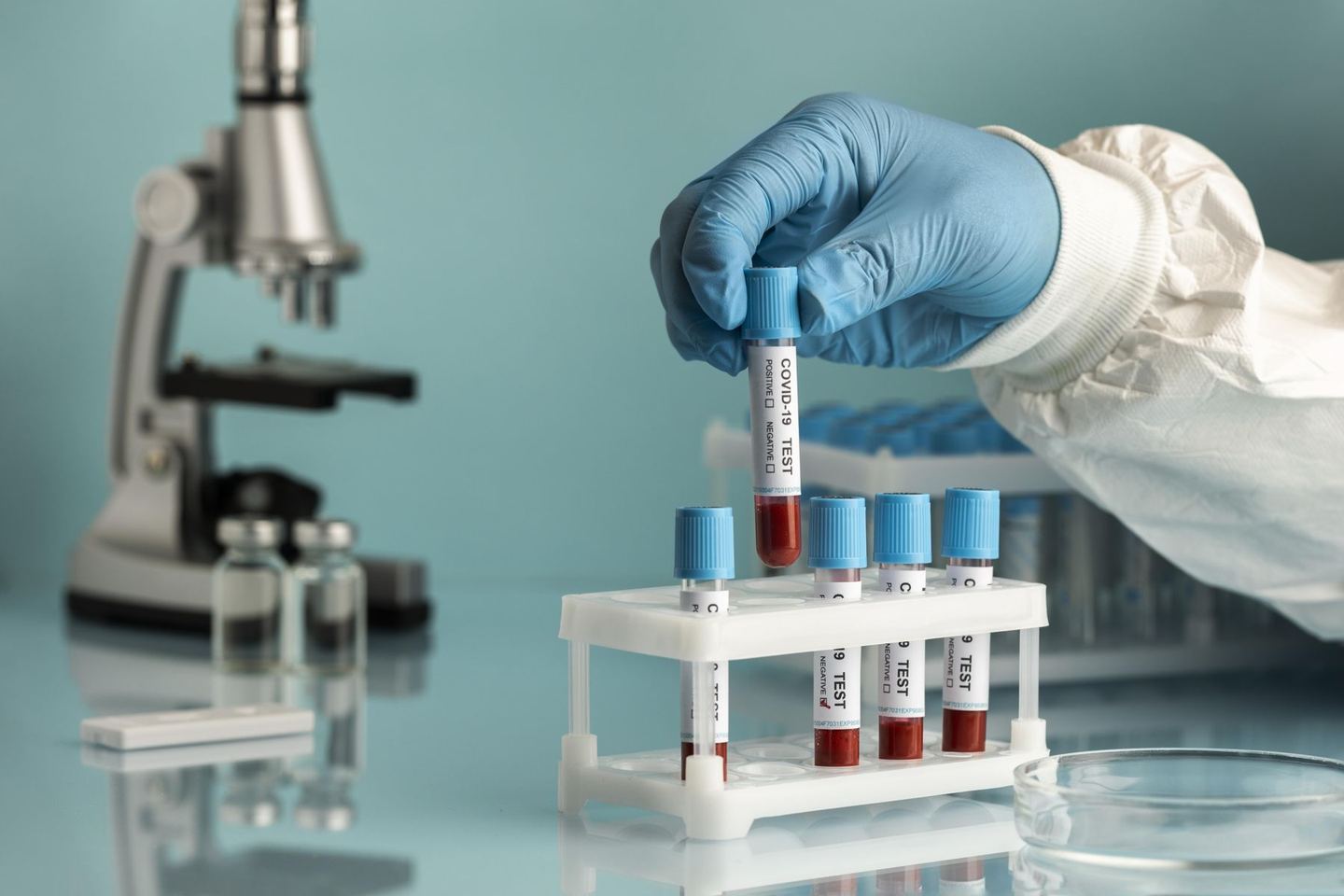
Most labs begin with a register, a spreadsheet and a billing program. It works until volumes grow, a second centre opens, or an auditor asks who approved a result three months ago. Laboratory software brings all of that into one connected record.
One record, start to finish
The patient is registered once. The tests ordered, the barcode on each tube, the analyser result, the pathologist's approval and the final report are all attached to that one record. Nothing is retyped, so nothing is mistyped.
What changes for each team
- Front desk: registration and billing happen together, and every test ordered is billed.
- Collection: barcodes are printed at the draw, so samples are identified before they leave the room.
- Bench: results come from the analyser and are checked against reference ranges.
- Pathologist: abnormal values are highlighted and approvals are recorded.
- Owner: revenue, turnaround time and referrals are visible on a dashboard.
Good lab software doesn't add steps. It removes the ones where errors and delays creep in.
Cloud or local server?
Cloud software needs no server in your lab, works from any device and is backed up daily. If you have more than one location, shared access is usually the deciding factor.
How to choose
Write down the three problems that cost your lab the most time today, such as lost samples, slow reports or billing gaps. Then ask every vendor to show you, in a demo, exactly how their software solves those three.